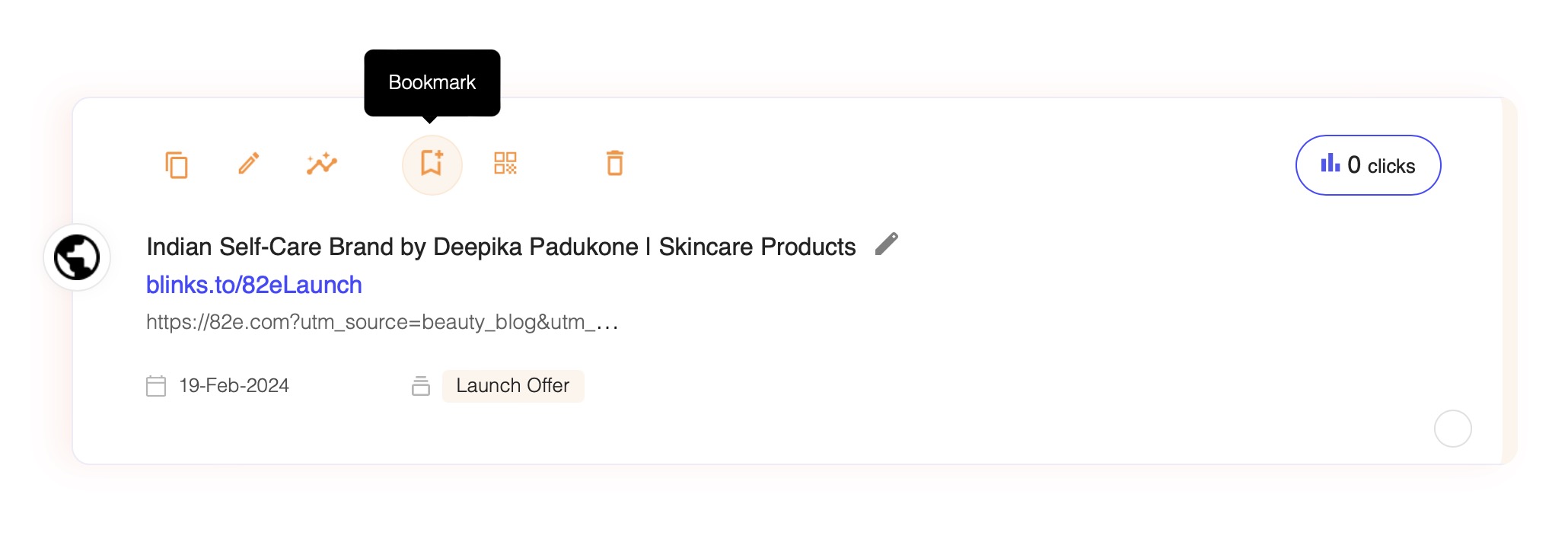
Bookmarking URLs facilitates quick and easy access to your frequently used links. To bookmark a URL, simply click the bookmark icon located in the top panel of the URL component. Once bookmarked, the URL will be marked with a blue bookmark icon for easy identification
Img 1 - Bookmark url
Img 2 - Bookmarked url indicated with blue bookmark icon
Remove bookmark: To remove the bookmark click on the bookmark icon on the top panel
To access your bookmarked URLs:
Select 'Links' from the sidebar.
img 3 - Sidebar - Click Links section
Utilise the second filter and choose 'View Favorites'.
Img 3 - Filter - Select View Favourites
Img 4 - Bookmarked/Favourite urls in your links section
2. Creating QR Codes
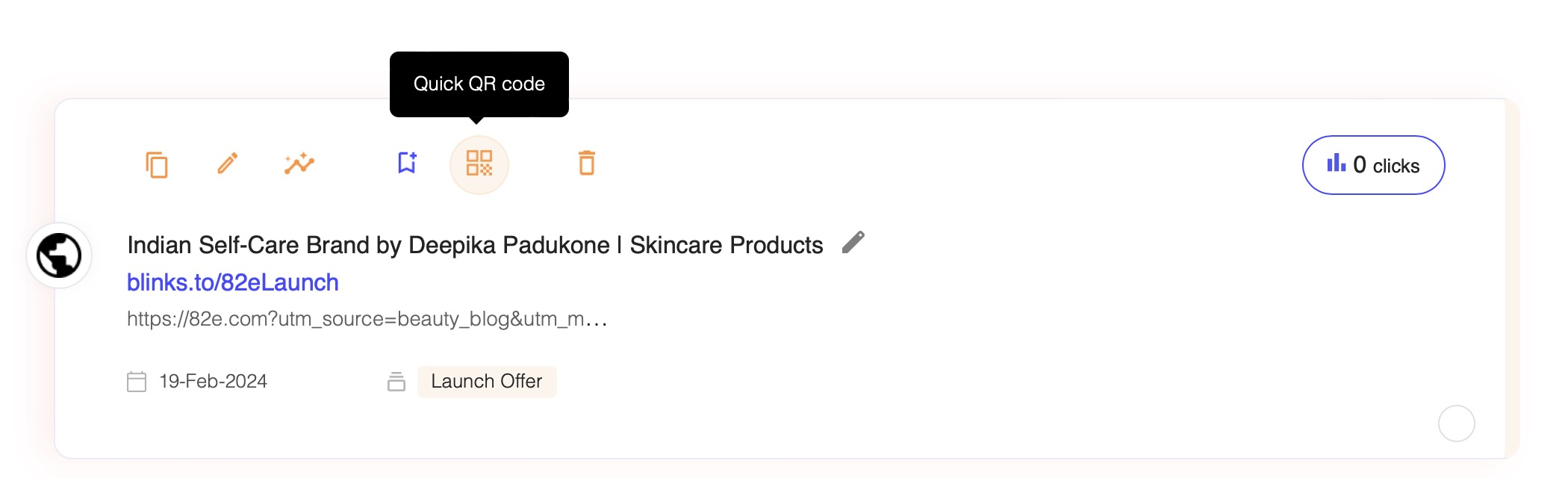
For generating a QR code for any shortened URL, click on the QR code icon situated in the top panel of the URL component.
Img 5 - Create QR Code Icon - Click to create one
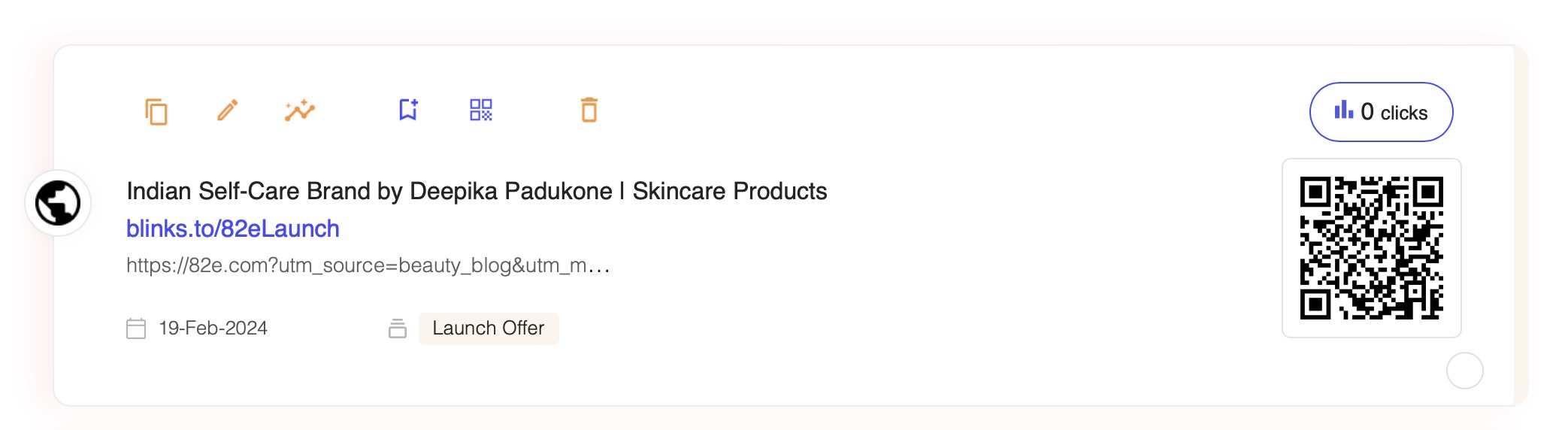
The generated QR code will then appear to the right of the URL component.
Img 6 - Generated QR code on right
img 7 - Generated QR code on right
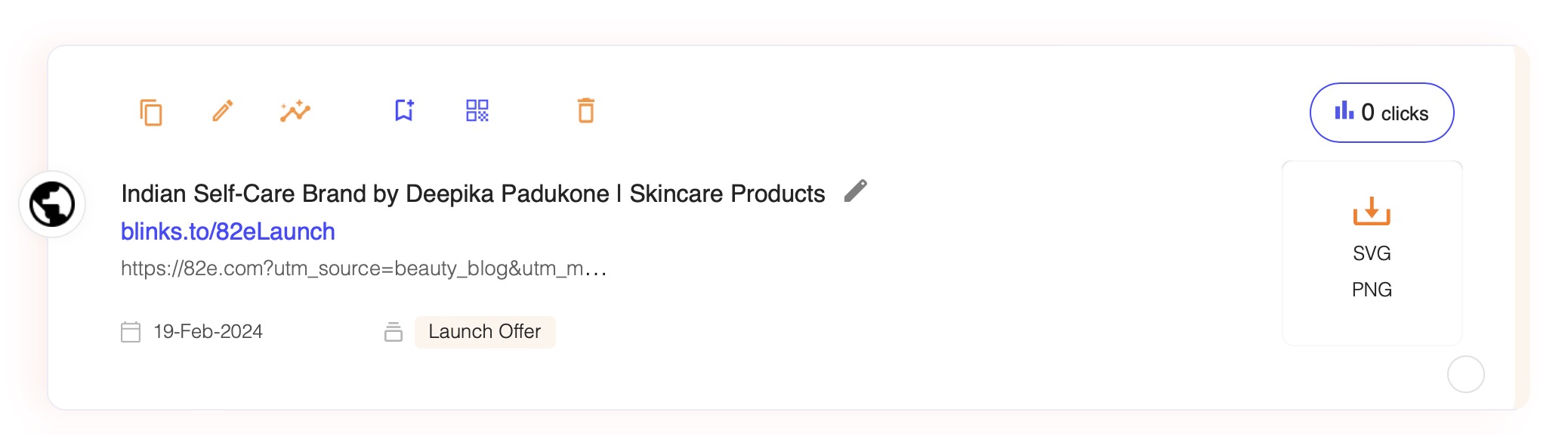
Hover your cursor over the QR code to unveil options, allowing you to download it in either SVG or PNG format.
Img 8 - Hover over QR code to download svg or png
Remove QR code: To detach a QR Code from one of your URLs, please follow these simple steps:
Navigate to the URL's panel at the top of the page.
Locate the QR code icon associated with the URL from which you wish to remove the QR code.
Click on this icon to initiate the removal process for the QR code linked to your selected URL.
Upon clicking, the QR code will be disassociated from the specific URL, effectively removing it from the list of QR-coded links. Use this function to manage and maintain the relevance and organization of your QR codes as your campaign needs evolve.
3. Deleting URLs:
To remove a URL, click the delete icon found in the top panel of the URL component. A confirmation alert will appear, asking for your assurance to proceed with the deletion. Upon confirmation, the URL, along with its associated analytics and any generated QR codes, will be permanently deleted from the system.