✨Quick Convert Widget
Transforming your long and unwieldy URLs into short, manageable links is simple with quic.ly
Effortless Url Shortening
Shortening URLs in quic.ly is a breeze, and we'll start with the Quick Convert Widget, a simple and efficient method accessible from every page within the app.
Quick Convert Widget

How to Use the Quick Convert Widget:
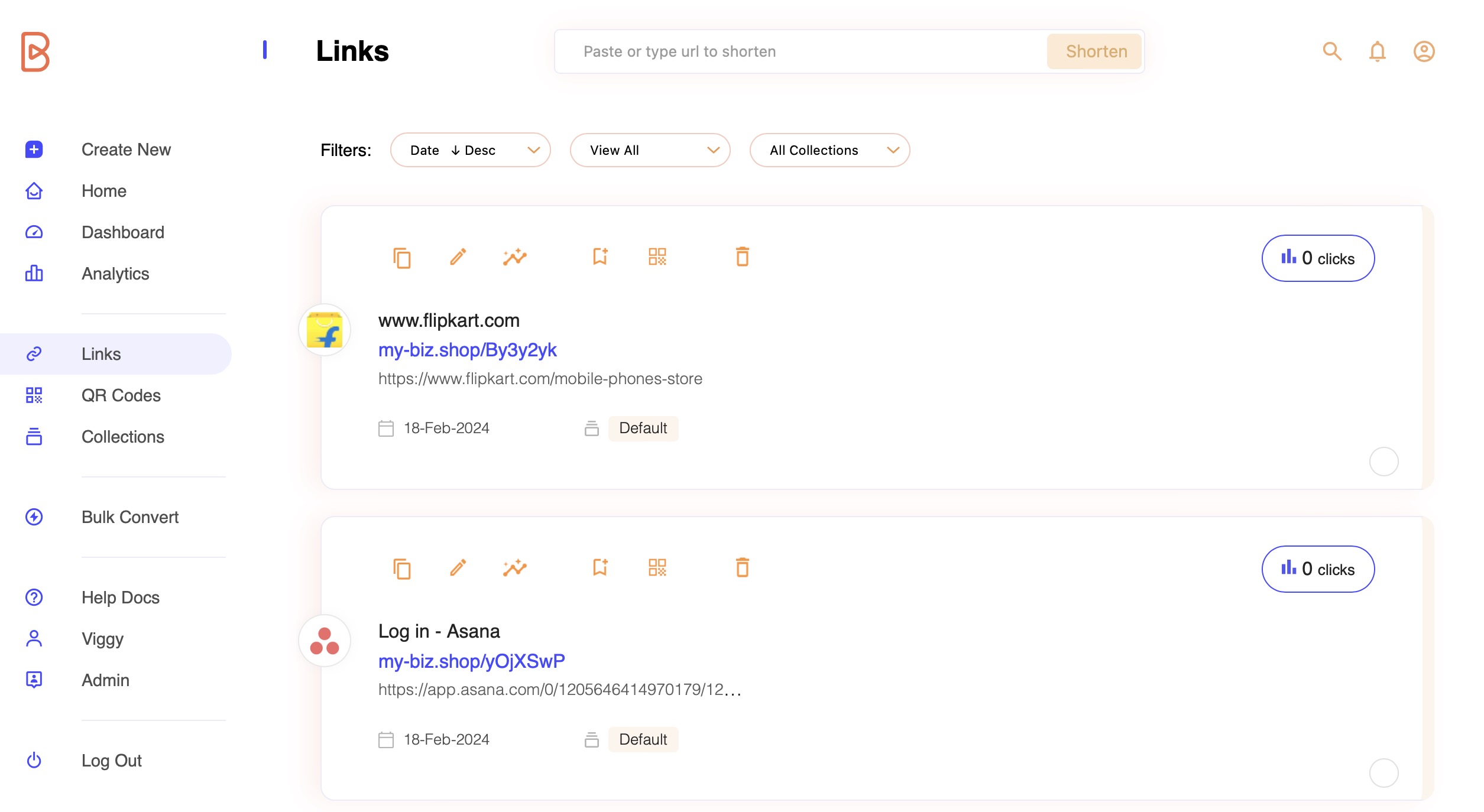
Enter your long url: Paste the long URL you wish to shorten into the centre input field.

Click "Shorten": Initiate the shortening process by clicking the "Shorten" button. Our system will swiftly generate a concise link for you.

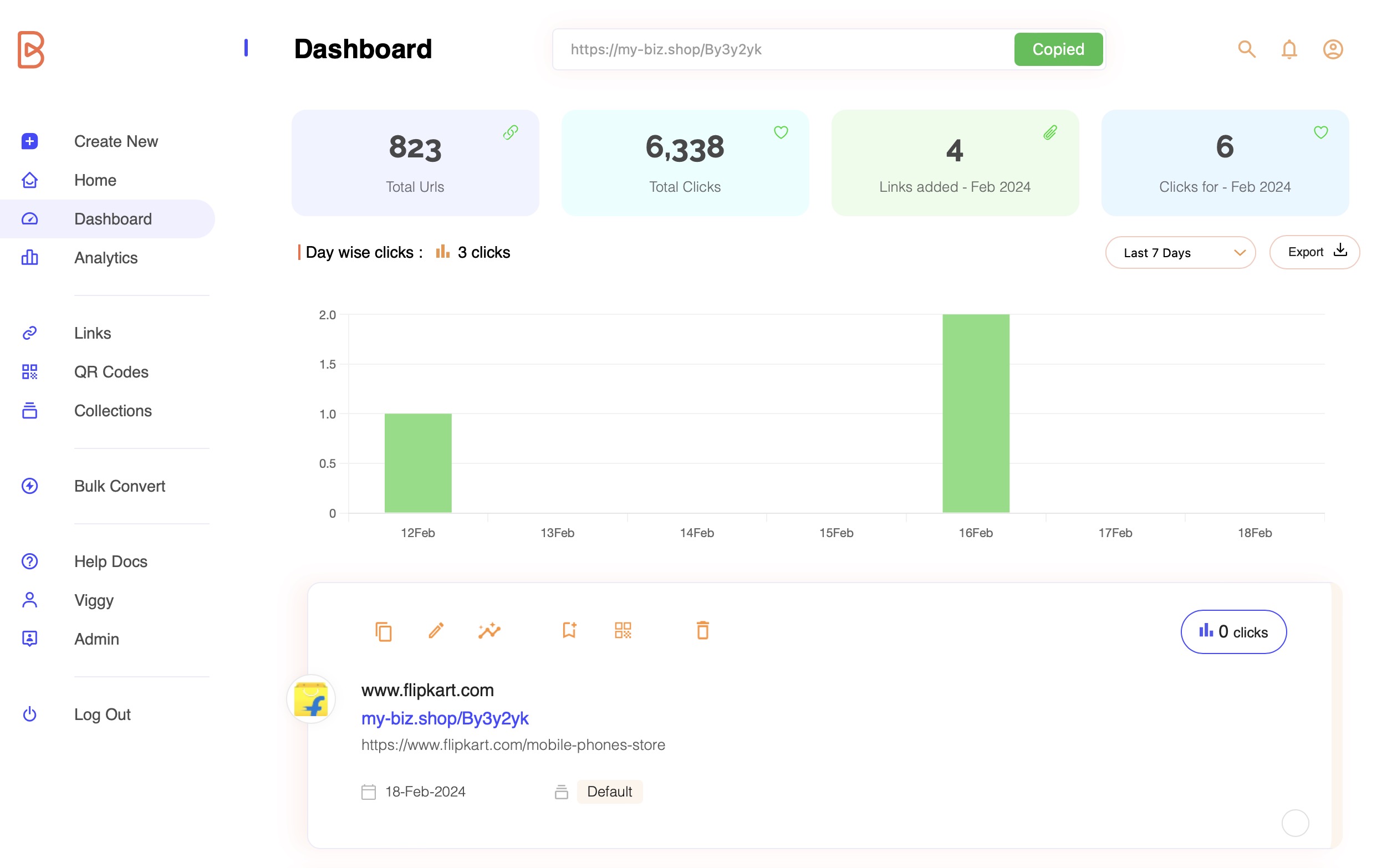
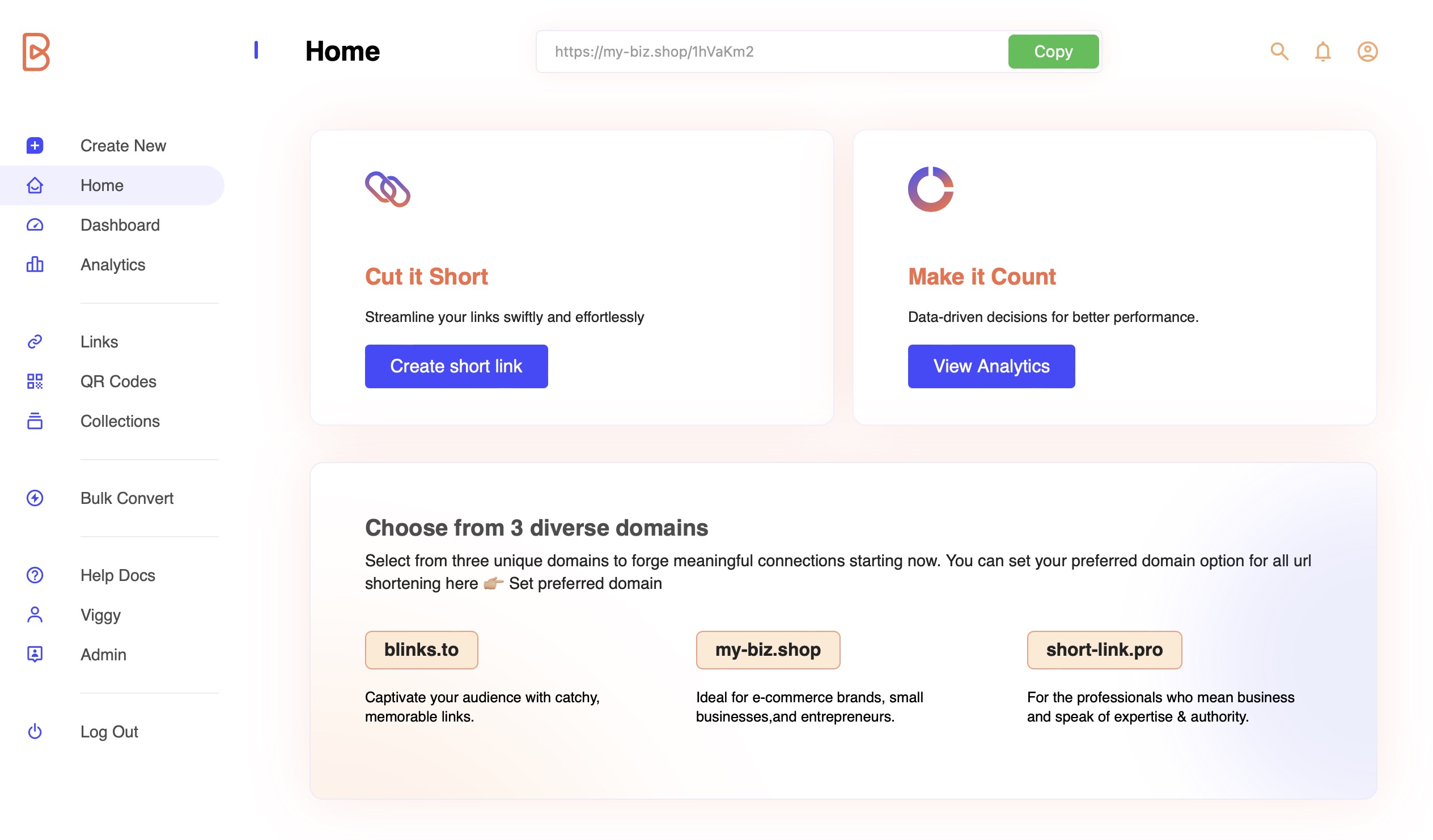
Img 3. Copy shortened link to clipboard Your Shortened URL: Once processed, your shortened URL will instantly appear on the widget. Simply click the copy button to copy the URL and start sharing your content.

Post-Shortening Navigation in quic.ly:
Upon utilizing the Quick Convert Widget to shorten a URL, the behavior varies based on the page you are currently on:
Dashboard, Analytics, Links, and QR Codes Pages:
The URL component seamlessly integrates into the list of URLs on these pages.
This integration allows you to effortlessly customize titles and aliases using the URL component.


Other Pages:
The Quick Convert Widget remains self-contained and doesn't impact any other part of the page.

Last updated